Snap your windows.
Own your desktop.
Grid snapping, keyboard shortcuts, auto-arrange — all from the menu bar. For developers and power users who work with 6+ windows.
Grid snapping, keyboard shortcuts, auto-arrange — all from the menu bar. For developers and power users who work with 6+ windows.
How it works
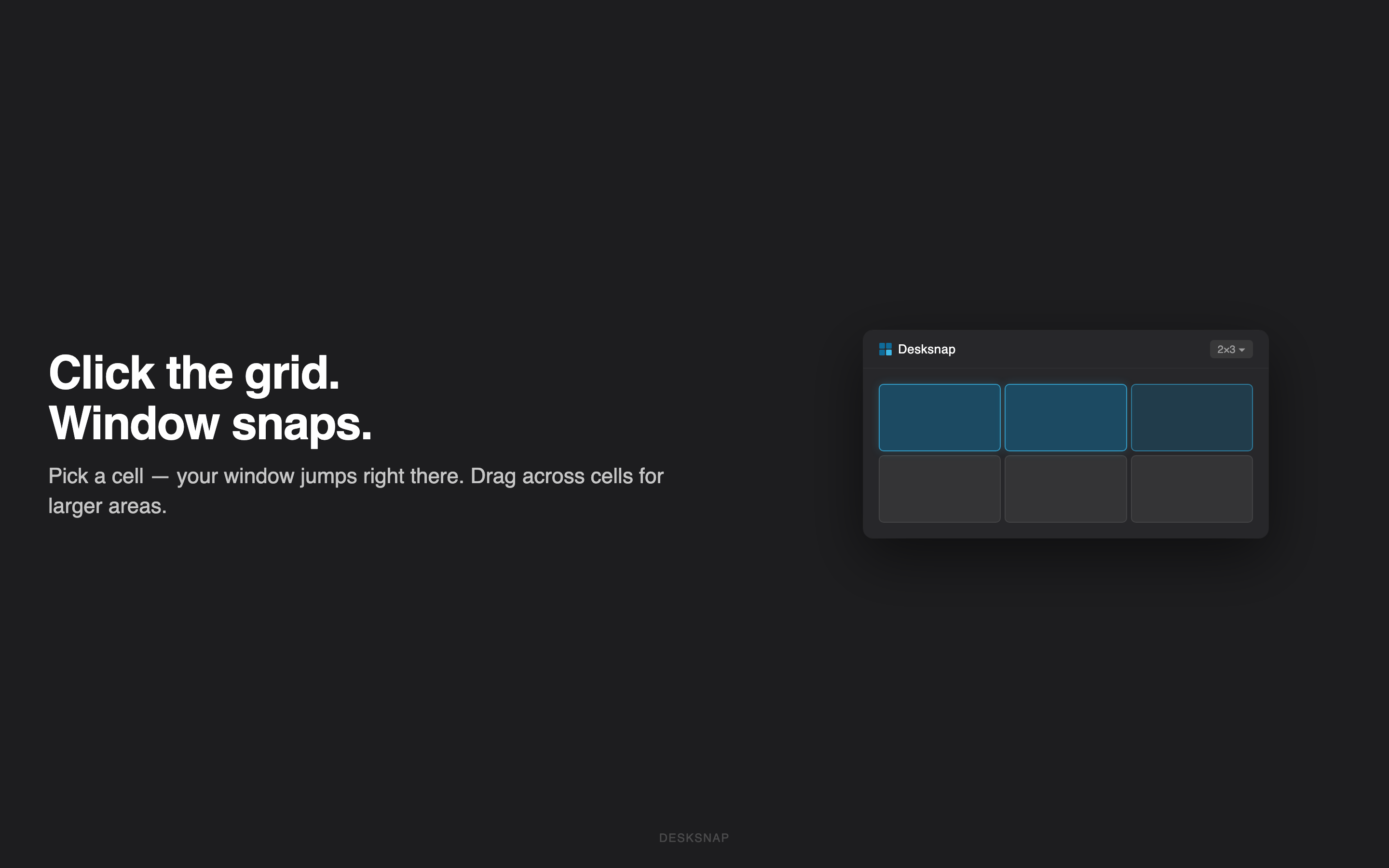
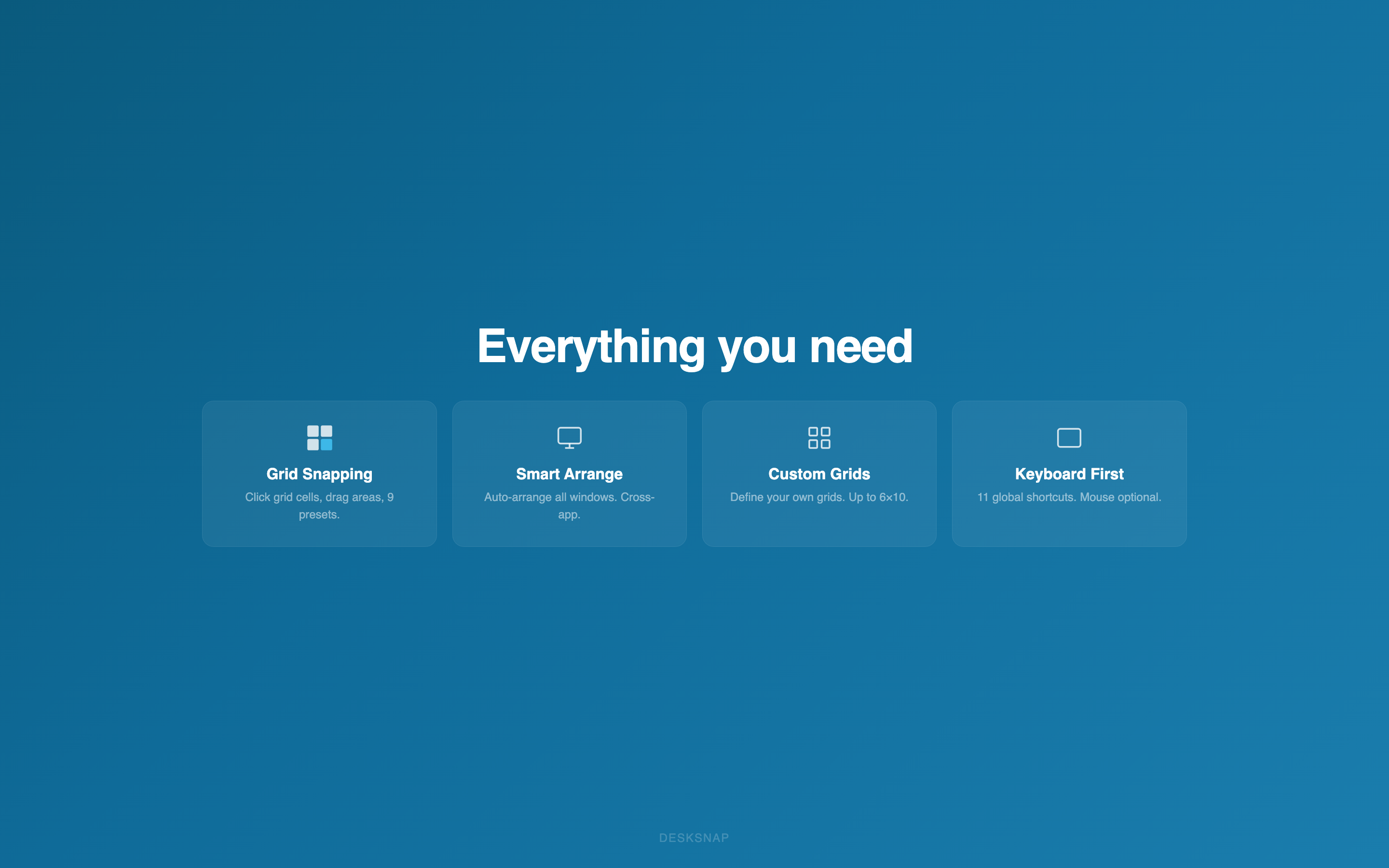
Open the menu bar grid, click a cell — your window snaps instantly. Drag across multiple cells for larger areas. Choose from 9 presets or create custom grids up to 6×10.
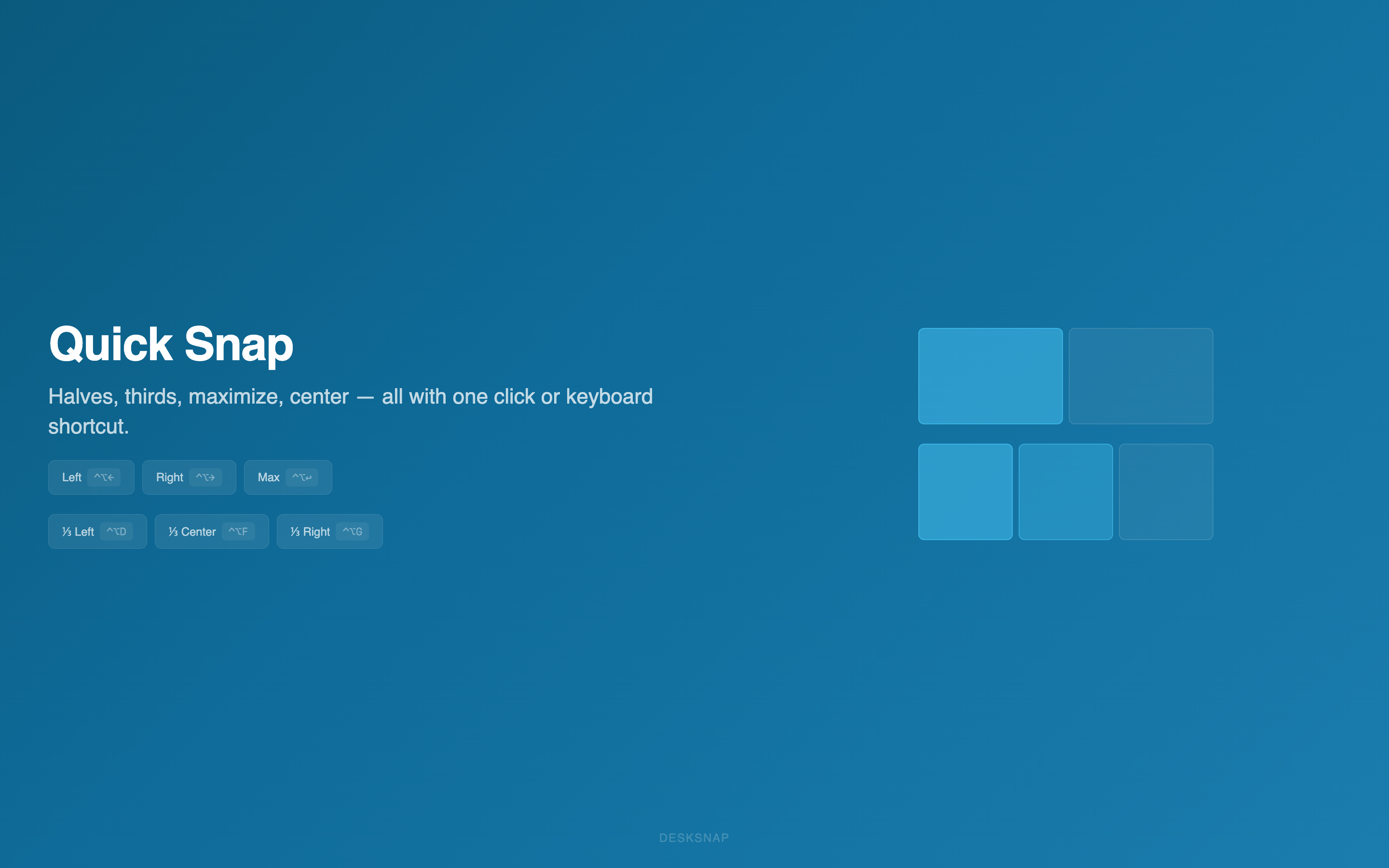
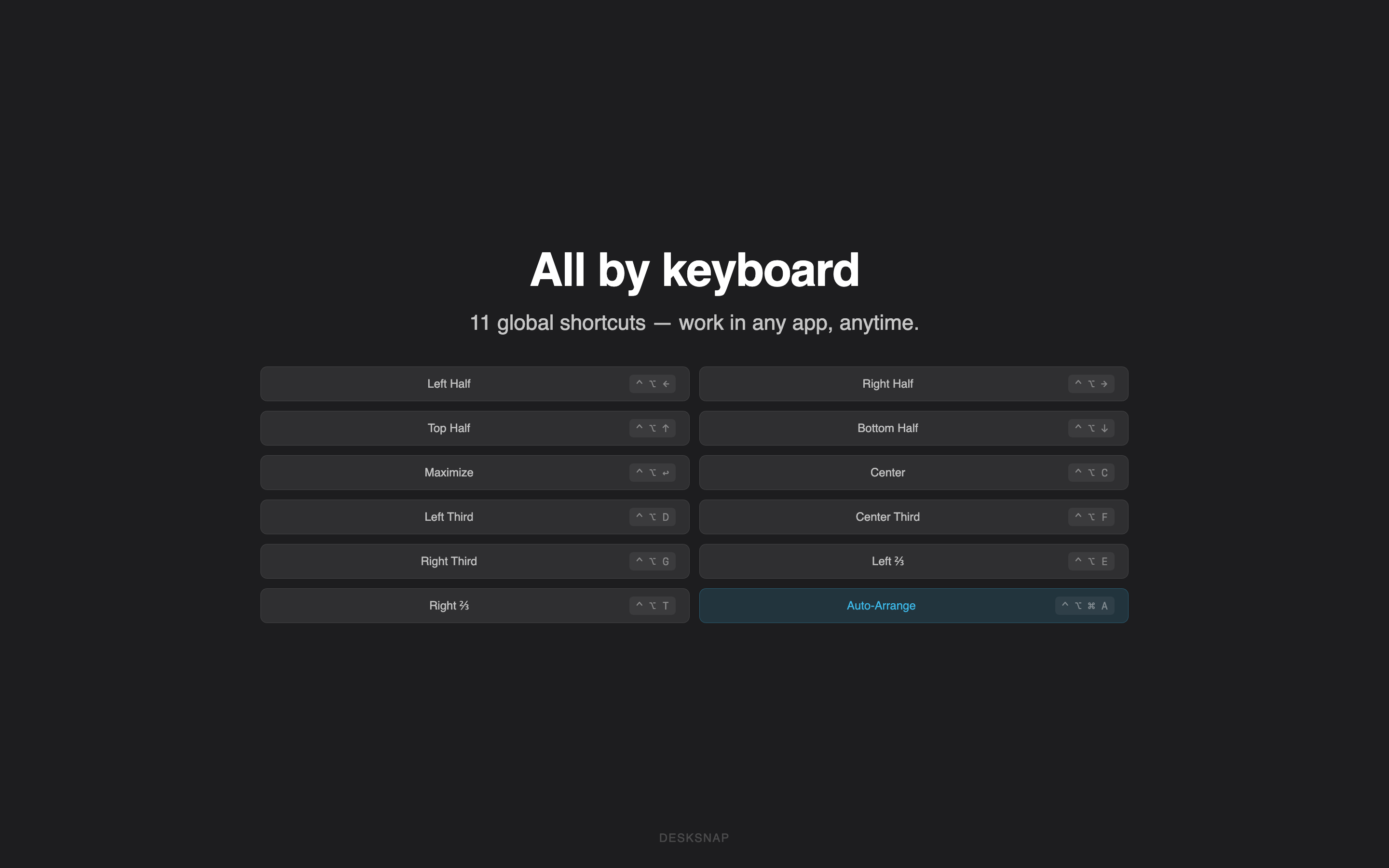
Split left, right, thirds, maximize, center — all with Ctrl+Option shortcuts. Muscle memory in minutes.
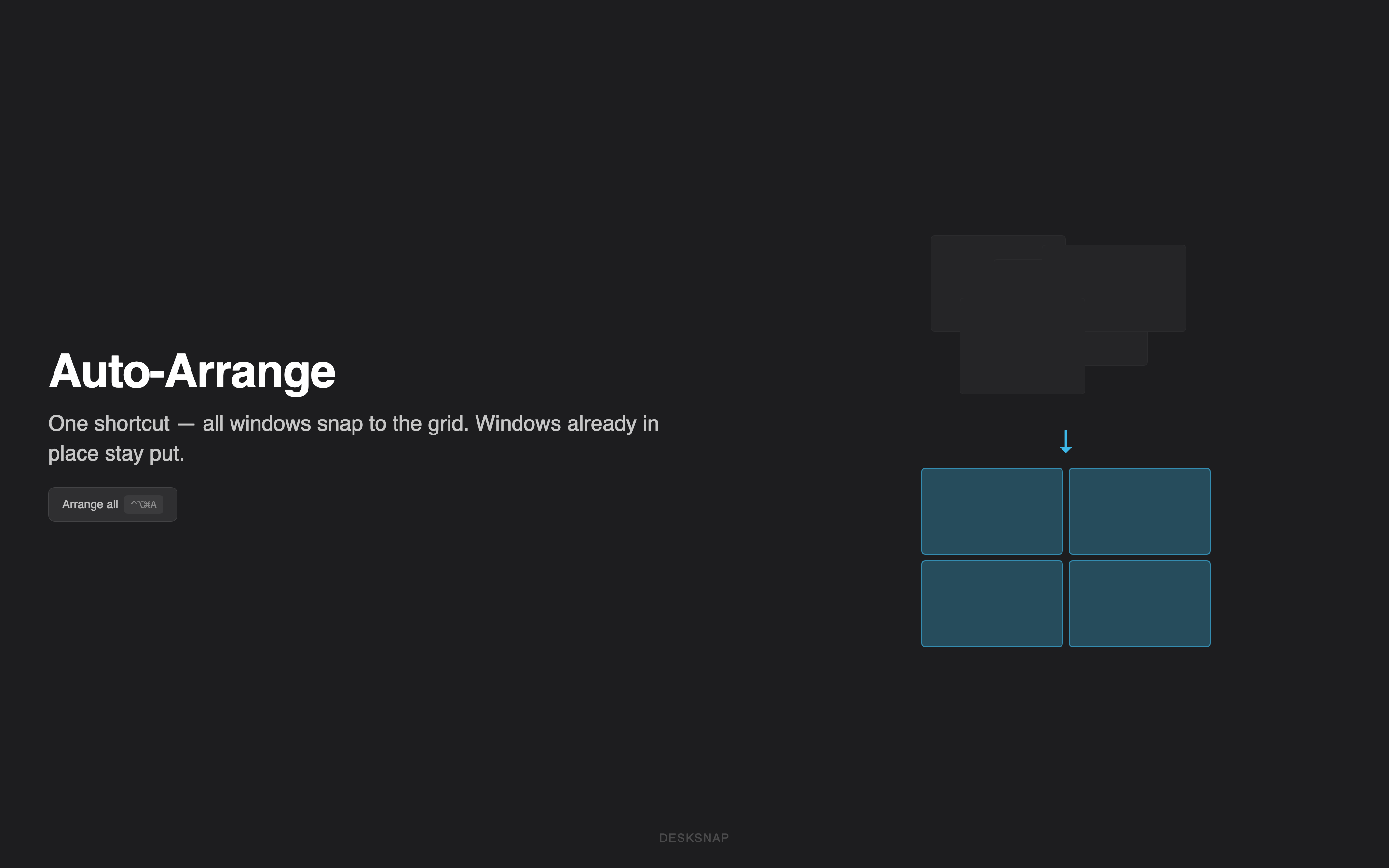
Hit Ctrl+Option+Cmd+A and every visible window snaps into a grid — across all apps. Windows already in position stay put.
See it in action
Scroll to explore all features →
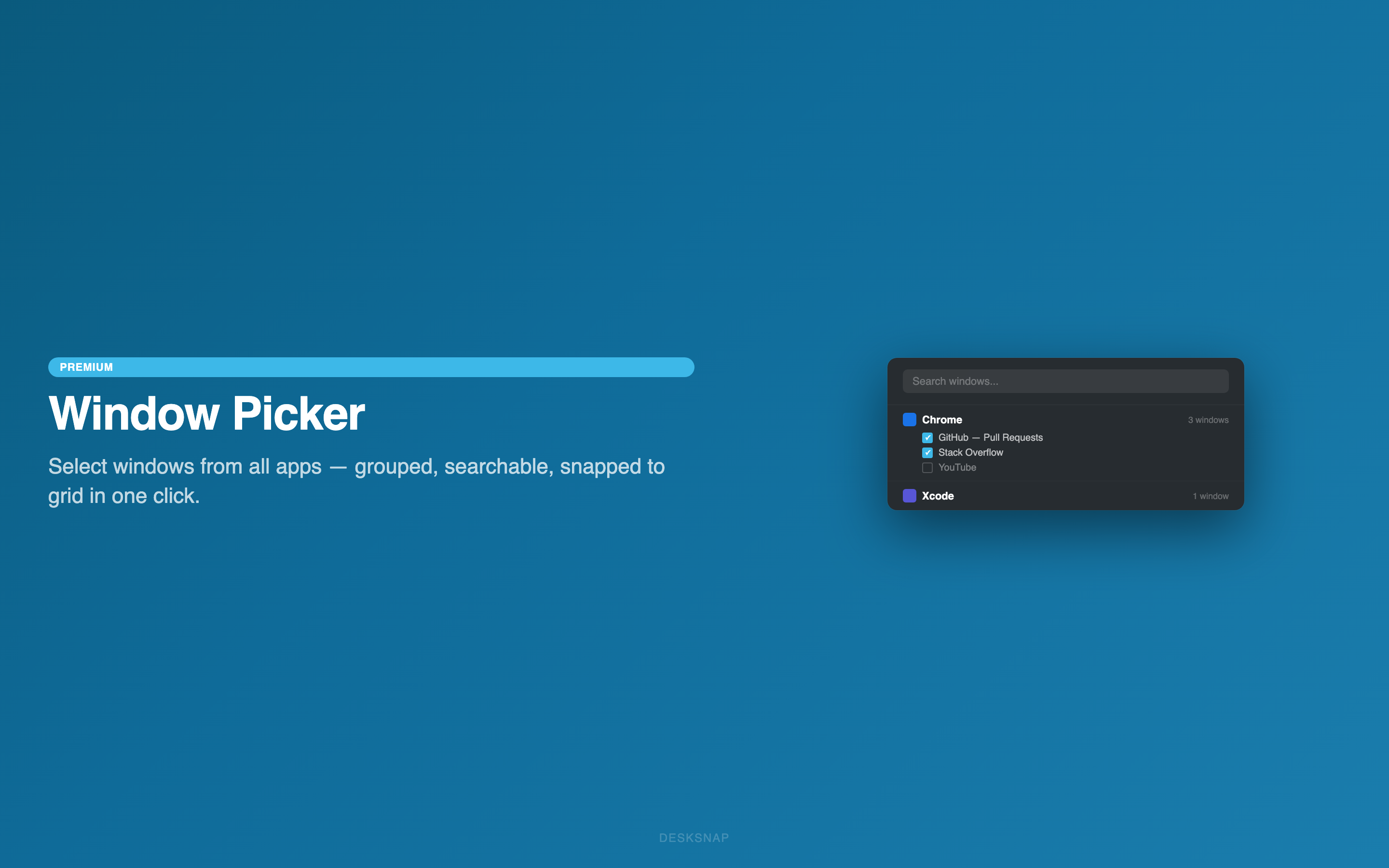
The Window Picker shows every open window across all running apps — grouped by app, searchable, with checkboxes. Select the ones you want, Desksnap suggests the right grid size, and one click arranges them all.
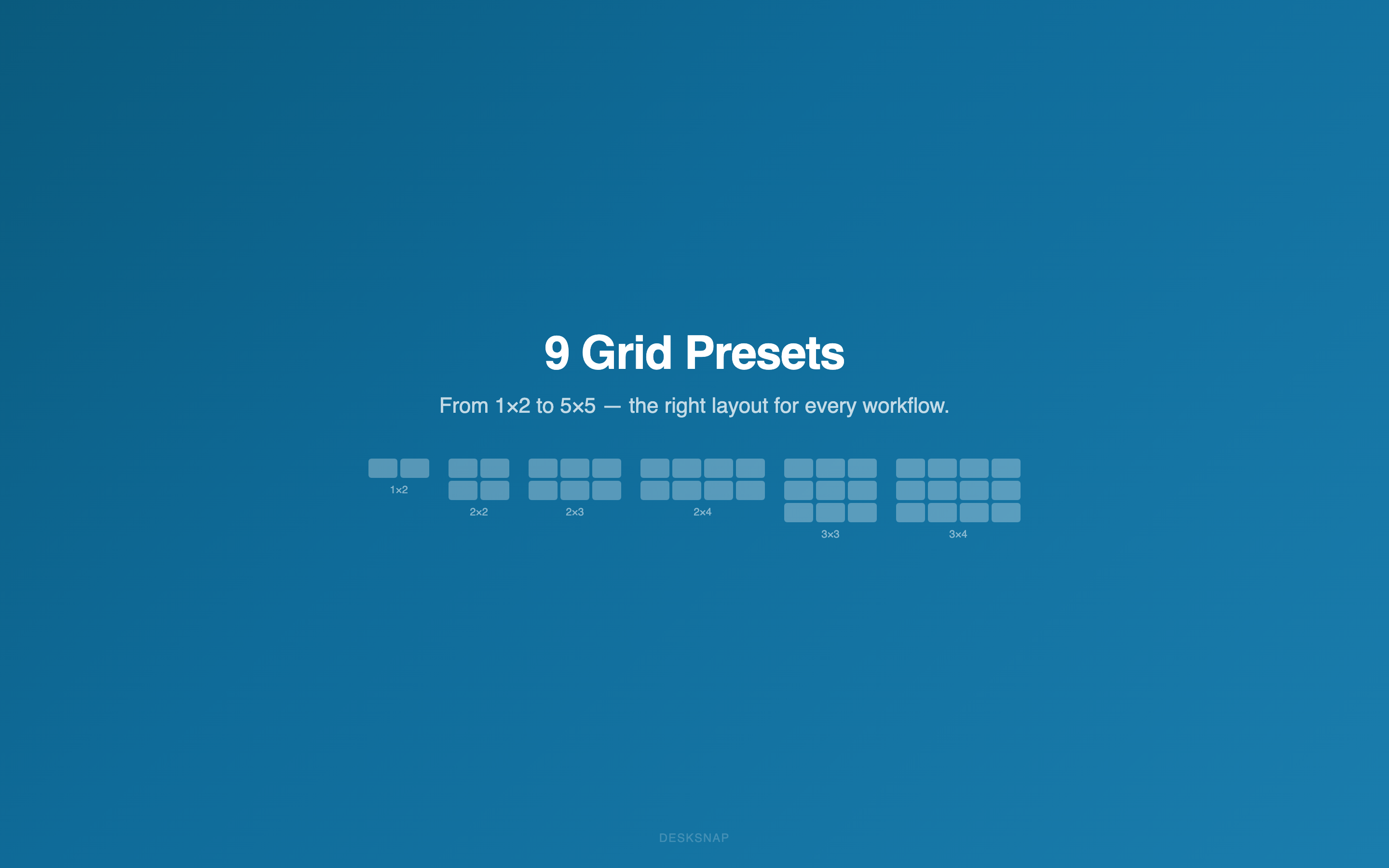
9 built-in presets from 1×2 to 5×5. Need something else? Create custom grids up to 6 rows × 10 columns. Set the gap between windows (0–24px) for pixel-perfect layouts.
1×2 · 2×2 · 2×3 · 2×4 · 2×5 · 3×3 · 3×4 · 4×4 · 5×5
Keyboard Shortcuts
Pricing
No subscription. No account. No tracking. Just a window manager that works.
one-time purchase
One-time purchase · Free updates forever
Not happy? Apple offers full refunds within 14 days.
Comparison
| Feature | Desksnap | Rectangle | Magnet | BetterSnapTool |
|---|---|---|---|---|
| Custom Grids (up to 6×10) | ✓ | — | — | — |
| Window Picker (Cross-App) | ✓ | — | — | — |
| Auto-Arrange All Windows | ✓ | Limited | — | — |
| Keyboard Shortcuts | ✓ | ✓ | ✓ | ✓ |
| Half / Third Splits | ✓ | ✓ | ✓ | ✓ |
| Configurable Gap | ✓ | — | — | — |
| Price | €4.99 once | Free / $9.99 | $4.99 | $3.99 |
Under the hood
No Electron, no web wrapper. Built with the same frameworks Apple uses.
Only Apple frameworks. Nothing to break, nothing to update.
Developer ID signed and notarized by Apple. Gatekeeper approved.
Apple Silicon + Intel. One binary, every Mac.
Uses macOS Accessibility for precise, reliable window control.
No analytics. No telemetry. No phone-home. Your desktop stays private.
€4.99 one-time purchase · macOS 13.0+
Get on the Mac App Store